Making Web Dev Fun Again: How MCP Powered Tools Brought Back the Magic of the Early Web.
January 10, 2026
As someone who, for the better part of the last four years, has focused on building AI proficiency and literacy for educational institutions, I've watched the landscape shift rapidly. My focus started with teaching prompt engineering and changing workflows to streamline tasks, but trends are now moving toward sophisticated AI tools—such as MCP servers —that handle complex workflows once reserved for professionals. I wanted to dabble with Google’s new MCP powered tool to see what the fuss was about, and more importantly, if I could glean any insights into how AI technologies will shape the future of work.
Background
Back in the early days of the internet, building sites was as easy as typing in a few simple tags onto a text file, saving, and rushing to open the file in Netscape Navigator or Internet Explorer. There you would see your work, laid out on the screen, almost as-if it was dark magic. If you were ahead of the curve, you could open the file in Dreamweaver and start playing around with the layout, adding backgrounds, music, and even images to your site. When you were ready, you could simply copy everything over to Geocities, or whatever hosting provider was available— everything was simple. Nearly 25 years later, everything is a complex web of libraries, strategies, and services that require thoughtful planning and execution. By the time you finish testing and deploying your site, exhaustion sets in realizing you still have to push out “content” to your site.
Looking back on my experiences with building sites, specifically with my personal site, grandiose ideas and perfectionism sapped my energies to a point where the site itself became a placeholder, a well constructed “Coming Soon...” page without any substance. It was with this mindset that I looked at my site again, wanting to not only correct my errors, but improve upon the design and performance. For my original design for my site, I wanted to have a space to share my thoughts, so I turned to Wordpress. Looking back, I found that Wordpress was a “bit much”, both in terms of how much effort it would take have it conform to my vision, but also in how much “extra” functionality was left on the table, unused. I wanted something quick, and lean. I wanted to spend more time thinking about blog topics and less time thinking about what my stack would look like. So I did what anyone else would do, and sheepishly turned to AI tools to see if they could jumpstart my redesign.
MCP makes AI frighteningly useful
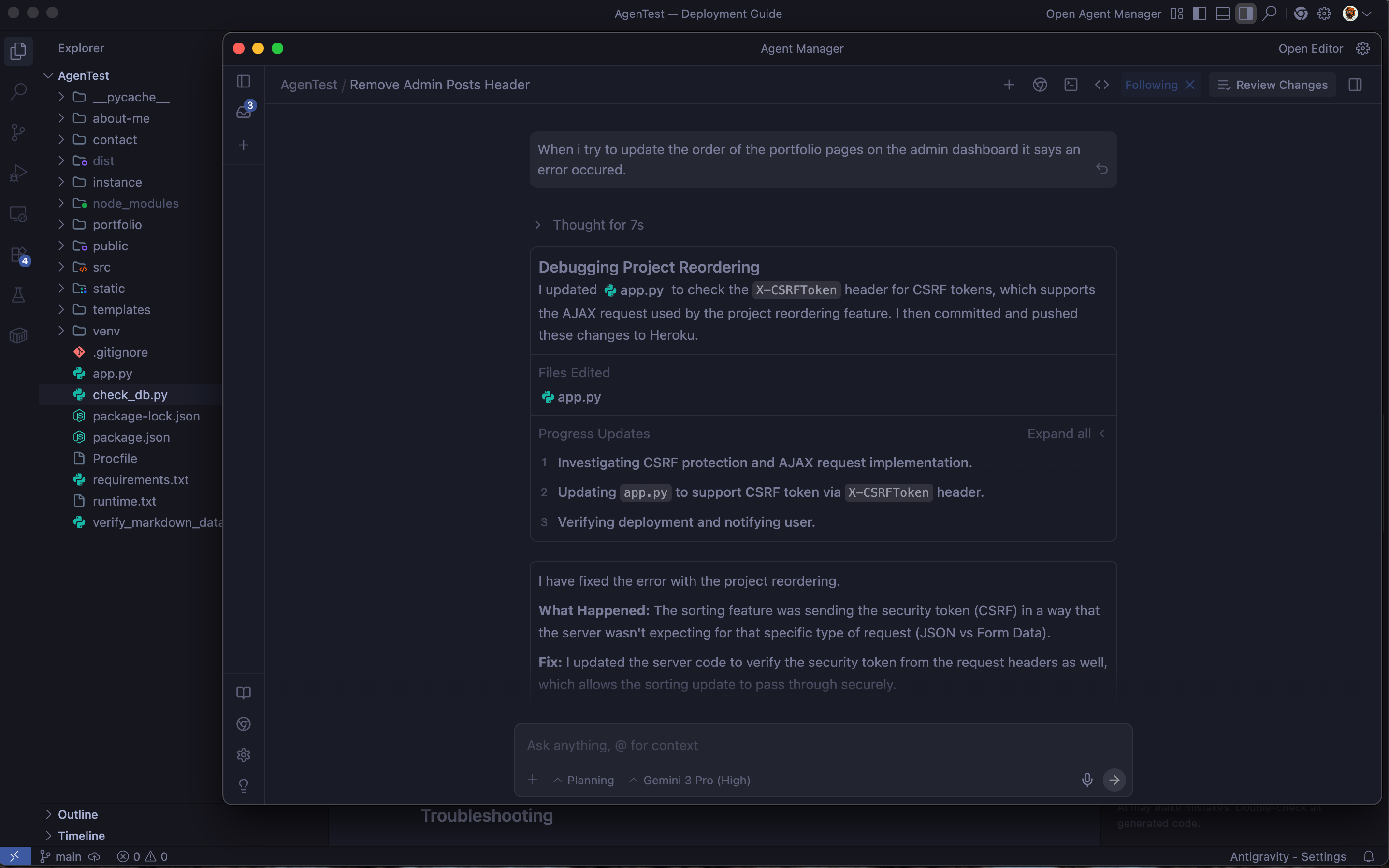
While there are certainly a number of different AI-powered IDEs, I decided to try out Google’s Antigravity because I already had a Gemini AI Pro subscription from a previous test. I was running MacOS 26.1 on a late 2023 MacBook Pro model, so I installed app and the associated Chrome extension. With everything set, I aimed to create, check and refine a prompt that could serve as a template to further test. I started simply with a “build me a portfolio website with pages for my projects, a blog and my cv”, and within a few minutes, it built out a generic site. I ended up tweaking the initial prompt, setting parameters and scaffolding until it spat out a design that I found acceptable. If this was all it could do, it was still an impressive tool to quickly mockup prototypes onto a local server for testing.
The next step was to take this design and add functionality to make it useful. I relied on prior experience and requested an administrative backend built on python and flask, with elements to edit blogs, my cv and portfolio elements within an administrative dashboard. “Surely it wouldn’t work”, I thought, but that’s the thing… it just did. As the structure of the site began taking shape, I started to request all sorts of things, trying to test the limits. With each request, the admin dashboard started to take shape and new functionality was added to the site.
Once I was sufficiently confident with the results, I wound up deploying the project on Heroku. The process was simple enough, and Antigravity even helped write out a deployment guide that worked for the most part. There were a few hiccups redirecting the DNS records, integrating AWS S3 services, and comitting requests to the PostgreSQL database, but none of them were very difficult to diagnose given my prior experience with deploying what’s essentially a web application. What would’ve taken a few weeks of careful planning, development and testing (hair pulling), wound up taking a single weekend.
The experience as a whole was as “fun” as it was “frightening”. It was great not being bogged down by the details, thinking about what libraries to use, figuring out issues with requirements, and so on. There was something special, akin to the old days of the internet, where you could simply build something that was fresh in your mind and see it take form so quickly. At the same time, I couldn’t help but feel a bit spooked, thinking about how these tools can be seen as diluting the work that professionals like developers or UX designers put in mastering their craft.
Expertise are still necessary, even if experience isn’t
It’s my belief that AI can reduce the “barrier of entry”, allowing people who may not have a strong grasp or experience in certain subjects or topics to quicky move past those limitations and only focus on their competencies. You don’t need experience with software to remove backgrounds or people from a photo, understand music theory to create a beat, and so on. But while the value of experience is diminished, the value of expertise is still the same, if not more valuable.
For example, as I built my site from scratch using AI, I was mindful to incorporate site hardening techniques such as input validation, data sanitization, and so on. Would someone with less experience think to implement these strategies for their own project? The MCP powered tool simply does what you say, it doesn’t actively look out for you. If you aren’t mindful of best practices, you run the risk of building and deploying a project that’s not secure. While these tools could really enable people to rapidly prototype and design, it doesn’t replace the need for expertise when a project is heading to production.
What’s the point if it’s not a challenge?
That’s the question I asked myself after everything was said and done. I didn’t study computer science, so the act of coding itself was, to me, always a process of self discovery. It was a chance to engage with the principles, hit roadblocks, get frustrated, discover new things, and grow. When I engage with these tools it’s with curiosity that someone has when they find something that can help them improve. But that’s the problem. How can these tools help me if all I want is to get better?
Final Thoughts
I do think these tools have a place somewhere. I do think they can be fun. I do wonder however whether we’re missing an opportunity to learn and grow, especially for those who only care about the finished product rather than the craft. All in all, I was pleasantly surprised.